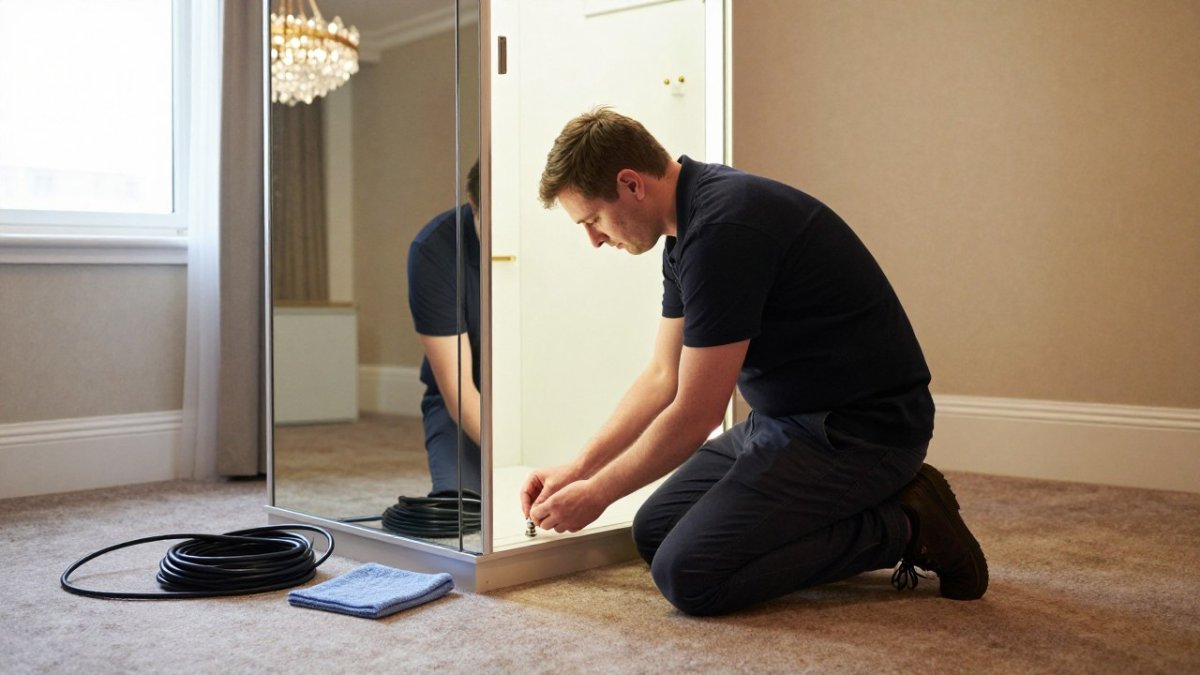
 How-to
7 Photo Booth Equipment Reliability Checks for Events
Last Updated: November 19, 2026
Quick Summary
Reliable photo booth equipment for events comes down to three things: power, printing and the people running it. Run a pre-event checklist two hours before doors open, covering power, camera tests, a test print, sharing links and spare consumables, so most faults are caught while there is still time to fix them.
- Run the readiness checklist two hours before doors open to catch most faults in time.
- Wipe the lens and mirror glass before every event and clear dust from vents and fans.
- Log every fault, even a minor one, so recurring printer jams are replaced before they fail.
- Keep spare paper and ink on site, as without them a two-minute fix becomes a dead booth.
- Setup usually takes under an hour for a mirror booth, plus testing time.
Table of Contents
- Why Photo Booth Equipment Reliability Decides Your Event
- The Photo Booth Equipment Checklist for Event-Day Readiness
- Photo Booth Maintenance: The Checks That Prevent Downtime
- Photo Booth Troubleshooting: Failure Modes and Recovery Times
- Frequently Asked Questions
Why Photo Booth Equipment Reliability Decides Your Event
A mirror booth that fails at 8pm does not just lose photos. It loses the moment your guests were waiting for. Reliability matters most when the dance floor fills, so the question worth asking is whether the kit will still be working then. If you are weighing up suppliers, our guide on how to find reliable photo booth hire sets out the questions to ask and how to vet them before you book.
Reliability in photo booth equipment for events comes down to three things. Power, printing and the people running it. Get those right and the booth runs all night. You can also review our pricing to see what each package includes.
The HSE guidance on electrical safety at events is a sensible starting point for power checks. It applies to any powered equipment on site.
Below, we break down the checks that matter, the maintenance that prevents downtime, and what to do when something goes wrong.
The Photo Booth Equipment Checklist for Event-Day Readiness
Event-day readiness means the booth is tested, powered and printing before the first guest arrives. A simple checklist run two hours before doors open catches most faults while there is still time to fix them.
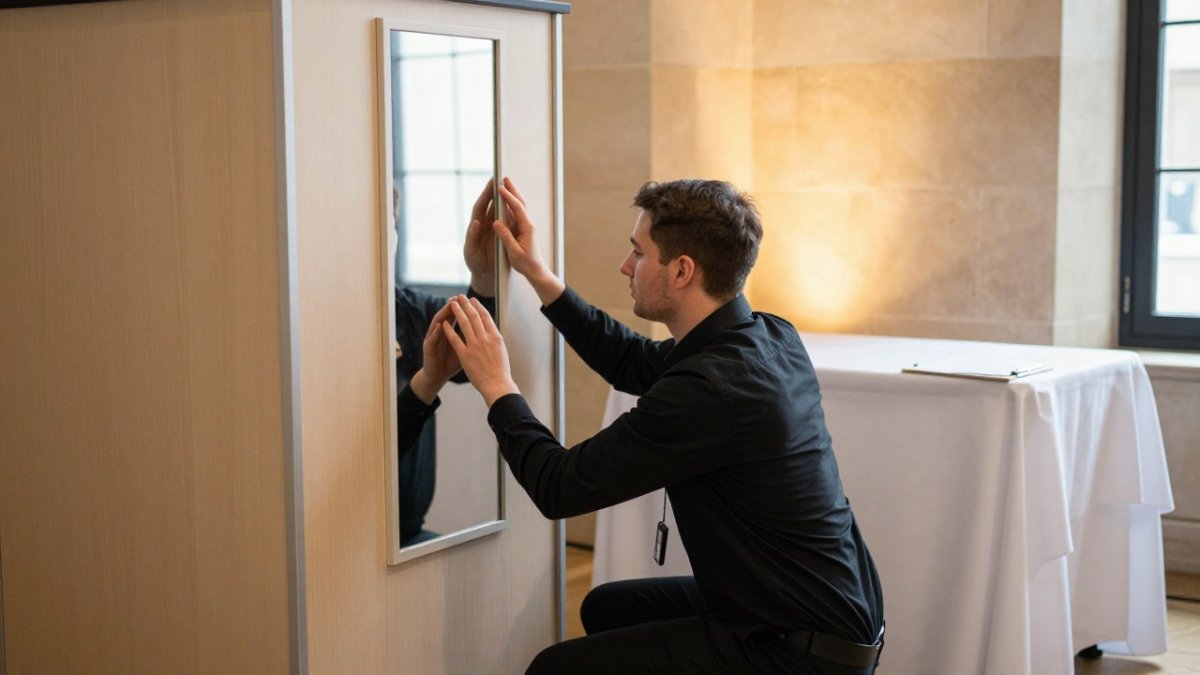
Run these checks in order:
- Power on and confirm the booth boots cleanly
- Test the camera and take three sample shots
- Print one test strip and check colour
- Confirm the sharing link or QR code works
- Check spare paper and ink are on site
- Walk the guest queue route for space and safety
If you want the full sequence written out step by step, our guide on how to make sure your wedding photo booth works covers the whole process.
Photo Booth Maintenance: The Checks That Prevent Downtime
Preventive maintenance is the routine inspection of a booth between events, and it is the single best defence against failure. Many booth faults start small: a loose cable, a dusty lens, a worn roller.
- Wipe the lens and mirror glass before every event
- Check cables and connectors for wear
- Clear dust from vents and fans
- Run a full print cycle and inspect the result
- Log any fault, even a minor one
An incident log turns guesswork into a maintenance process. If a printer jams twice in a month, it is sensible to replace it before it fails on a Saturday night. If you want to confirm what checks are included in a booking, you can contact our team directly.
Photo Booth Troubleshooting: Failure Modes and Recovery Times
Troubleshooting starts with knowing which failures are quick fixes and which need backup equipment.
| Failure | Likely Cause | Fix | Recovery Time |
|---|---|---|---|
| No power | Loose cable or tripped circuit | Reseat cable, check supply | Under 5 minutes |
| Blurry or dark photos | Dirty lens or low light | Clean lens, adjust lighting | 5-10 minutes |
| Printer jam | Worn roller or damp paper | Clear jam, reload paper | 5-15 minutes |
| No prints | Empty paper or ink | Swap consumables | Under 10 minutes |
| Sharing link down | Weak connectivity | Switch to local sharing | 10-20 minutes |
Watch out: a booth without spare paper and ink on site turns a two-minute fix into a dead booth for the rest of the evening. Spares are not optional.
For questions on how issues are handled on the night, our frequently asked questions page covers support and what happens if something goes wrong.
Frequently Asked Questions
How can you tell whether photo booth equipment is reliable?
Ask for evidence rather than assurances. A reliable operator keeps an incident log, runs a full test cycle before every event and carries spare consumables and a backup camera. Ask how many events they delivered last year and how many suffered downtime. Checks such as a test strip printed on the morning of the event and an attendant present from setup to breakdown are good signs of dependability.
What should you ask a photo booth supplier before booking?
Cover the practical points: what setup time they need, whether an attendant stays for the whole event, what backup equipment they bring and how quickly they can recover from a printer or camera failure. Ask what photo booth hire questions matter most to them, such as guest capacity per hour and print limits. Confirm the booth fits your venue's power supply and floor space, and request examples of real events rather than staged marketing photographs.
What happens if a photo booth stops working during an event?
A well-prepared operator can switch to backup quickly rather than troubleshooting in front of guests. Printers are the most common failure point, so a spare unit or a digital-sharing fallback keeps the queue moving. Good photo booth troubleshooting practice includes having a fault checklist, spare paper and ink, and a backup camera ready. Ask any supplier how long recovery takes and whether guests can still receive images digitally while hardware is swapped.